 Driv.one
Help centre
Driv.one
Help centre
checking…
Driv.one
Help centre
Put your garage, shop or service on Driv.one so drivers nearby find you.
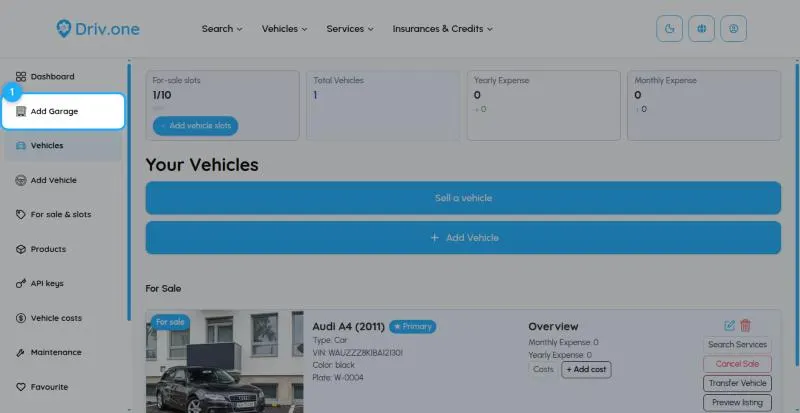
Register as Garage / Shop / Service, then choose Add Garage in your dashboard menu.
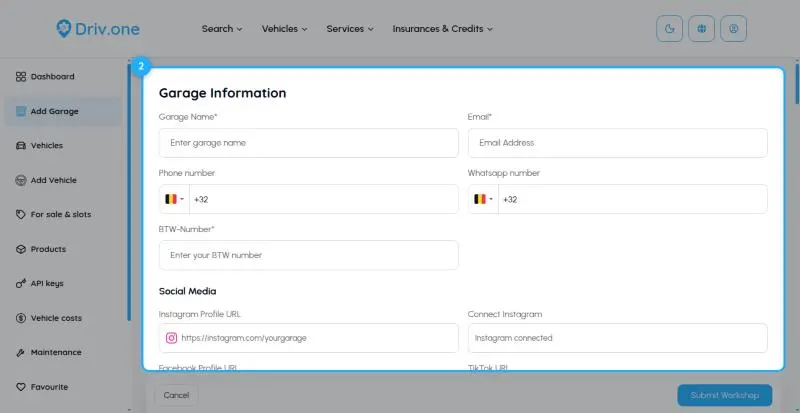
Under Garage Information, enter the name, e-mail, phone and tax number (required), plus WhatsApp and social media if you like. Add your logo and a banner. Under Location Details, search for your address and pick it from the list.
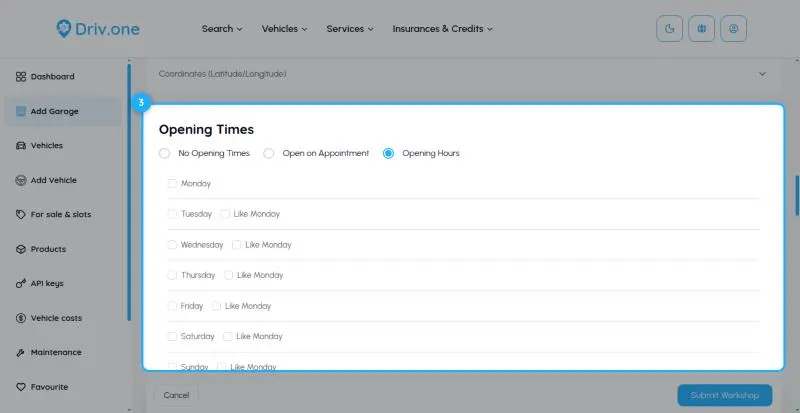
Choose your Opening Times: opening hours per day, on appointment, or none. Under Specialities, tick the vehicle types and choose all brands or selected brands. Write the Description and tick your Services Offered (at least one; up to 5 can be highlighted).
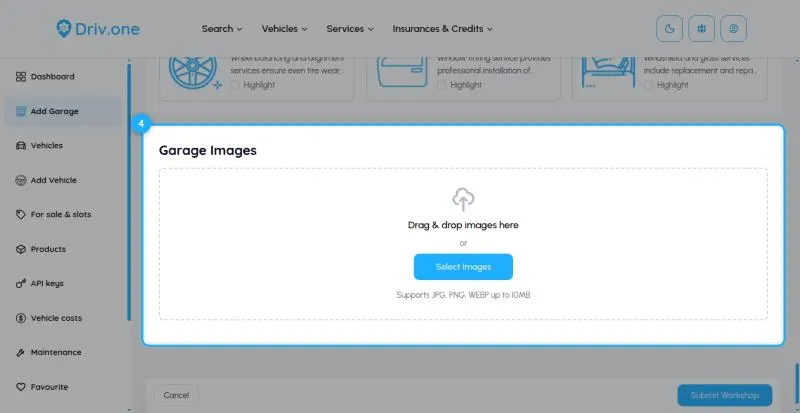
Add at least one photo under Garage Images and click Submit Workshop. Your page is online right away.
Send us a message through the contact form on driv.one. Pick the topic that fits best so it reaches the right person.
Contact usWe've received your message and will get back to you.