 Driv.one
Help centre
Driv.one
Help centre
checking…
Driv.one
Help centre
Questions, problems or ideas: send us a message.
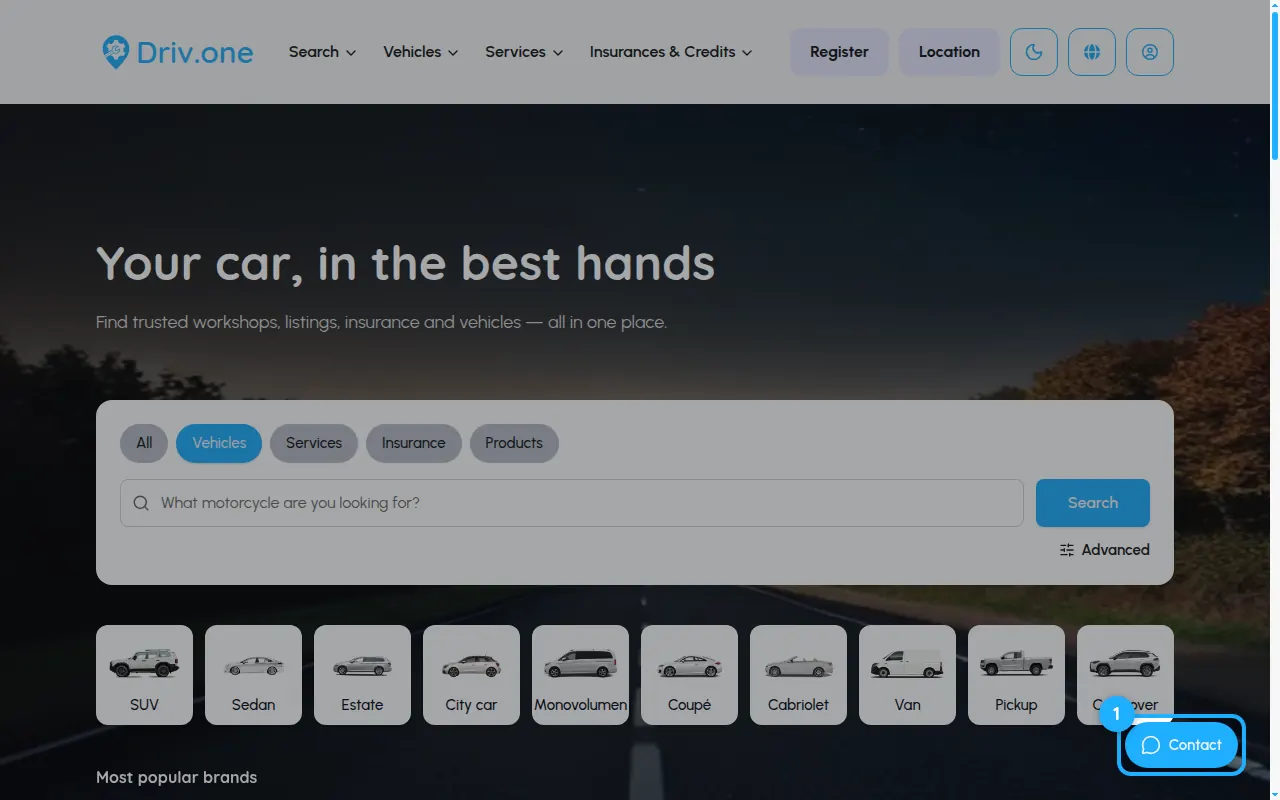
The Contact button sits at the bottom right of every page.
Enter your e-mail address, pick the category that fits, write your message and press Send. We answer by e-mail.
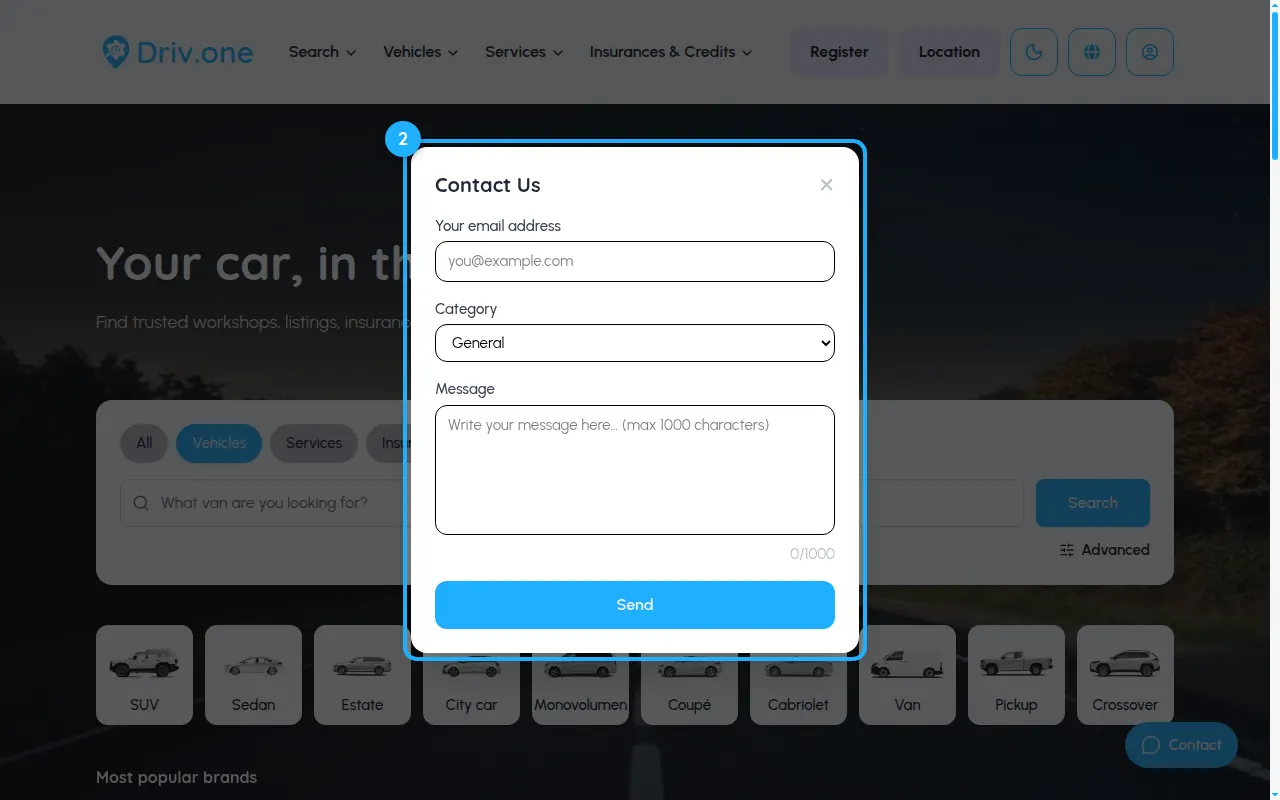
Send us a message through the contact form on driv.one. Pick the topic that fits best so it reaches the right person.
Contact usWe've received your message and will get back to you.